— Procore Integration —
CDE Sync™ + Procore.
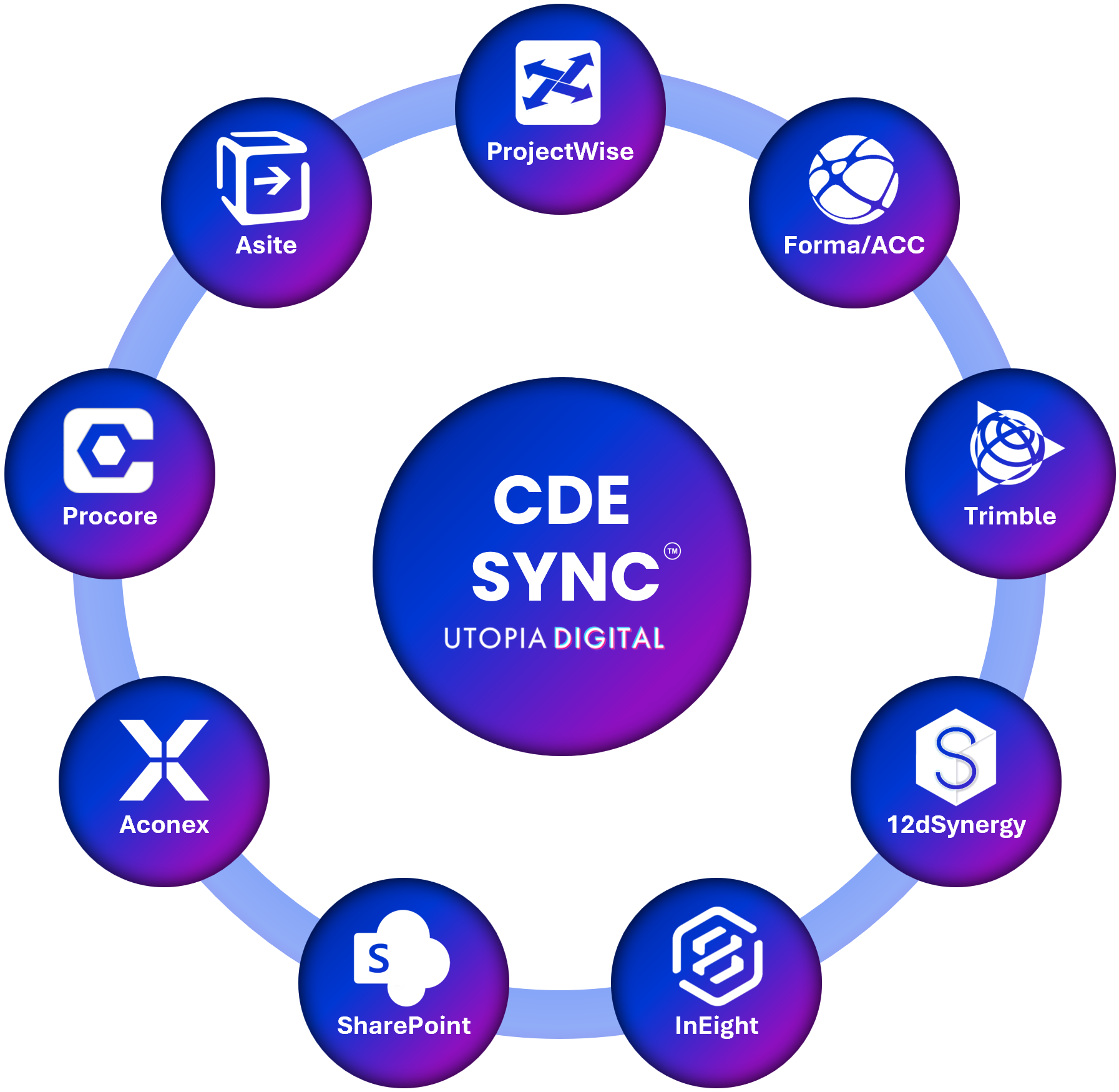
CDE Sync™ connects together all of your AECO industry CDE platforms.
CDE Sync™ automates model, document and metadata synchronisation, in 15mins - no code required.
Overview:
Contractors running Procore often still need to submit into a client or principal's CDE, or coordinate with subcontractors on entirely different platforms. CDE Sync™ automates that exchange, so documents, submittals and models stay consistent everywhere without your team re-uploading the same file three times. Retiring a platform altogether rather than running an ongoing sync? CDE Migrate™ handles that one-off move instead, preserving version history, metadata and audit trails intact.
Who it's for:
Document Controllers, BIM Coordinators, BIM Managers, Project Managers and site or field teams running Procore alongside a client or principal's CDE.
What CDE Sync™ does for Procore users:
Synchronises documents, submittals and models between Procore and every other connected CDE
Maps metadata fields automatically against the target platform's schema
Maintains version control, so nothing gets overwritten or duplicated across systems
Logs every transfer for audit and compliance reporting
Pairs with Issues Sync™ to keep issues, RFIs and defects raised in Procore connected across every other CDE on your project
How it connects:
CDE Sync™ connects to Procore through a secure managed service account, configured through CDE Sync™'s no-code wizard. No developer time, no scripts to maintain.
Also syncs with:
Autodesk Forma (BIM360/ACC), Bentley ProjectWise, Microsoft SharePoint, Oracle Aconex, 12d Synergy, Asite, InEight, Trimble, and Azure Blob.
Security:
Built on Microsoft Azure and hosted in your choice of data region to meet residency and sovereignty requirements, see our Global Data Regions map. SOC 2 Type II certified, full detail on our Security & Trust Portal. Zero file persistence, your data is streamed, never stored.
FAQs:
Can CDE Sync™ push our Procore submittals into a client's CDE automatically?
> Yes, this is one of the most common Procore use cases.
How long does a Procore connection take to set up?
> Typically 15 to 30 minutes, start to finish.
Can we sync in both directions, or only one way?
> CDE Sync™ supports inbound, outbound and bi-directional syncs, configured per project.
Does this affect our existing Procore workflows or approvals?
> No, CDE Sync™ syncs data without altering your existing Procore workflows or permissions.
What if we want to migrate to Procore entirely, not just sync?
> That's CDE Migrate™, our one-off migration service. It moves everything at once, preserving version history, metadata and audit trails, rather than keeping platforms continuously synchronised.
Can this also sync issues, RFIs and defects, not just documents and models?
> Yes, that's handled by Issues Sync™, which keeps issues logged in Procore connected to every other CDE on your project.