— Autodesk Integration —
CDE Sync™ + Autodesk Forma, including ACC and BIM 360.
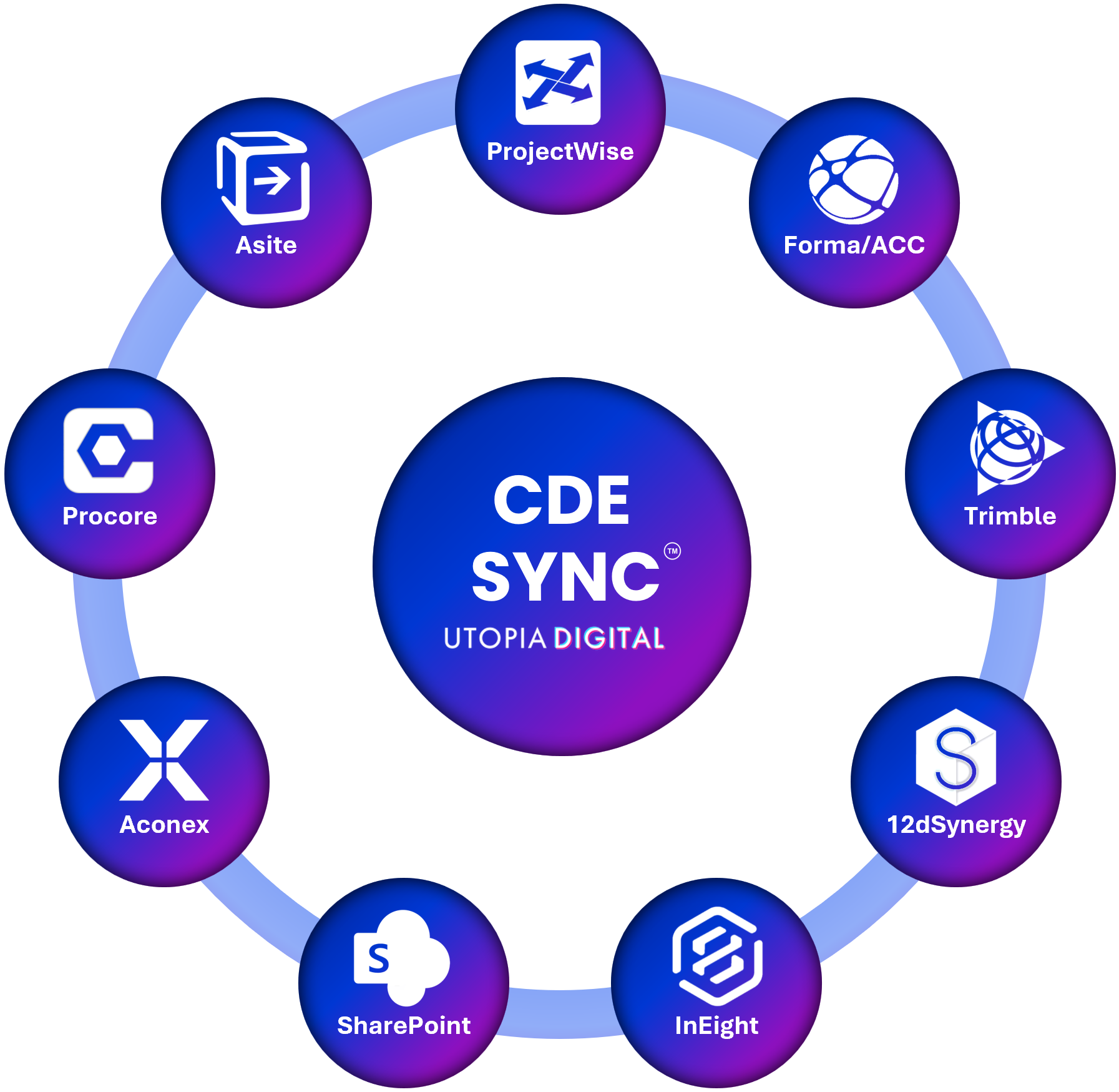
CDE Sync™ connects together all of your AECO industry CDE platforms.
CDE Sync™ automates model, document and metadata synchronisation, in 15mins - no code required.

Click above for CDE Sync™ media resources.
Overview:
Whether your projects sit in Autodesk Forma, or legacy BIM 360, CDE Sync™ keeps that data aligned with whatever other platforms your contractors, consultants or client are using. No more exporting from Docs and manually re-uploading somewhere else. Retiring a platform altogether rather than running an ongoing sync? CDE Migrate™ handles that one-off move instead, preserving version history, metadata and audit trails intact.
Who it's for:
BIM Managers, Design Managers, Document Controllers and Project Directors running Autodesk Forma or BIM 360 alongside another CDE.
What CDE Sync™ does for Autodesk Forma, ACC and BIM 360 users:
Synchronises models, documents and custom attributes in both directions between Forma, ACC and BIM 360 and every other connected CDE
Handles BIM 360 and legacy ACC projects alongside newer Forma environments
Maps custom attributes against your target platform's schema automatically
Queues and retries automatically within Autodesk's API limits, so large document sets don't need manual tuning
Pairs with CDE Migrate™ to keep issues, RFIs and defects raised in Forma connected across every other CDE on your project
How it connects:
CDE Sync™ installs directly from the Autodesk App Store and authenticates through your organisation's existing single sign-on. There's no custom API registration, No Client Id’s or Secrets and nothing for your IT team to build.
Also syncs with:
Autodesk Forma, ACC and BIM 360, Bentley ProjectWise, Microsoft SharePoint, Procore, Oracle Aconex, 12d Synergy, Asite, InEight, Trimble, Bluebeam, Egnyte, Dalux, RIB, Network Servers, and Azure Blob.
Security:
Built on Microsoft Azure and hosted in your choice of data region to meet residency and sovereignty requirements, see our Global Data Regions map. SOC 2 Type II certified, full detail on our Security & Trust Portal.
SOC 2 Type II certified
Cyber Essentials certified
Zero file persistence – data streams between your network server and the target CDE, and is never stored or cached
Outbound-only connection from your network, minimising attack surface for classified and on-premises environments
Full audit logging of every file and metadata change for traceability and compliance
Part of the Utopiaverse™:
CDE Sync™ connects Autodesk Forma as part of the Utopiaverse™, Utopia Digital's connected record of project data. CDE Backup™, CDE Migrate™ and CDE Archive™ keep a copy of the record in your own Microsoft Azure, move it between platforms and capture it at completion, and AI Insights lets your team search and ask questions across every project and platform. See how the Utopiaverse fits together.
FAQs:
Does this work with older BIM 360 projects, not just Forma?
> Yes, CDE Sync™ supports Autodesk Forma, legacy ACC and BIM 360 projects.
Do we need a custom Autodesk developer app?
> No, CDE Sync™ installs directly from the Autodesk App Store.
Can we sync in both directions, or only one way?
> CDE Sync™ supports inbound, outbound and bi-directional syncs, configured per project.
Does this work across different Autodesk hub regions?
> Yes, CDE Sync™ supports BIM360, ACC and Forma hubs across all regions including; Australia, the US and EMEA.
What if we want to migrate to Forma entirely, not just sync?
> That's CDE Migrate™, our one-off migration service. It moves everything at once, preserving version history, metadata and audit trails, rather than keeping platforms continuously synchronised.
Can this also sync issues, RFIs and defects, not just documents and models?
> Yes, that's handled by CDE Migrate™, which keeps issues from Forma connected to every other CDE on your project.
— Connected CDEs —