— 12d Synergy Integration —
CDE Sync™ + 12D Synergy.
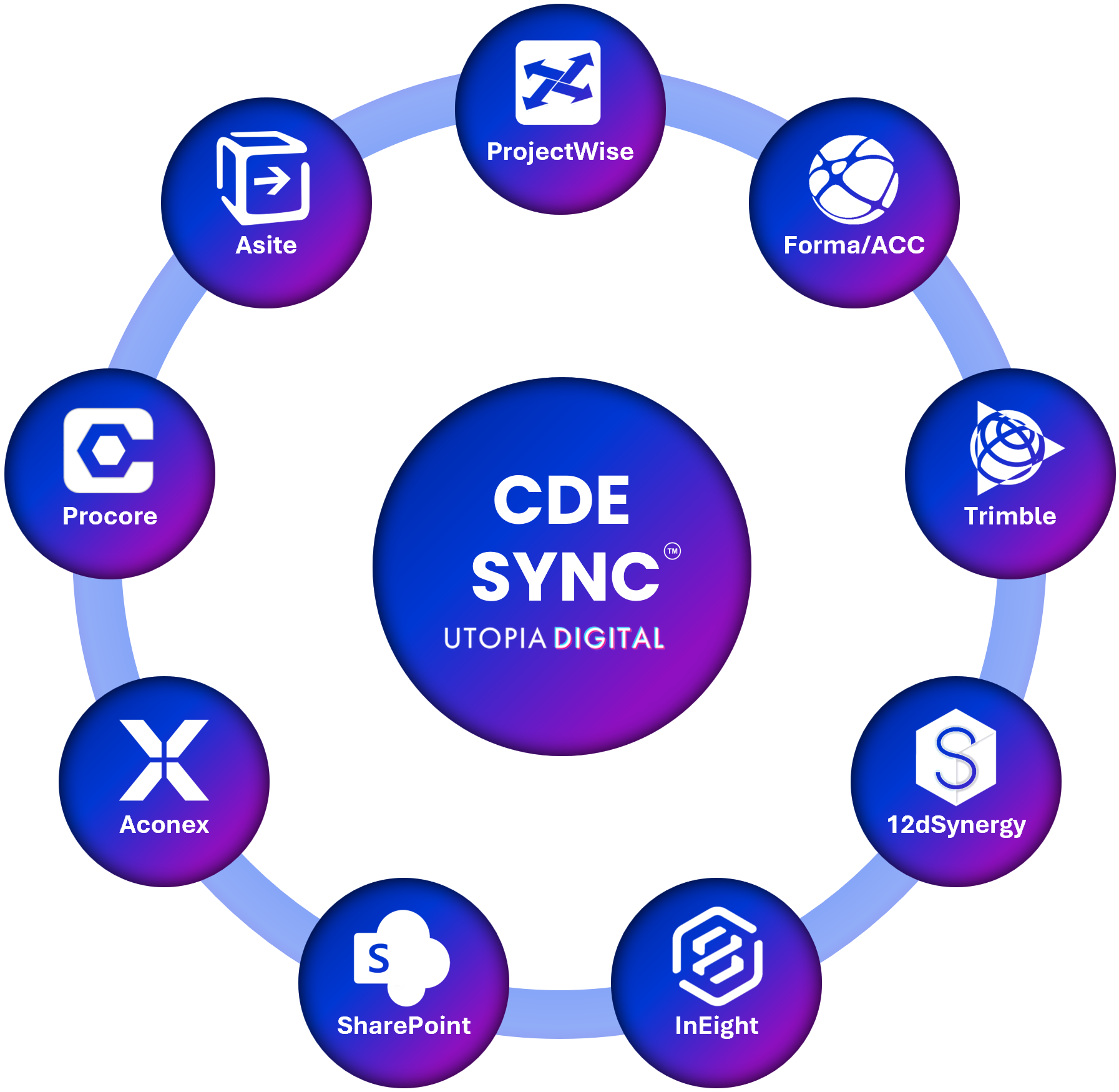
CDE Sync™ connects together all of your AECO industry CDE platforms.
CDE Sync™ automates model, document and metadata synchronisation, in 15mins - no code required.
Click above for CDE Sync™ media resources.
Overview:
Civil and infrastructure teams running 12d Synergy alongside a client or principal's CDE, whether that's ACC, ProjectWise or SharePoint, usually end up moving files and re-entering metadata by hand. CDE Sync™ removes that step entirely, streaming documents, models and metadata between 12d Synergy and every other platform on your project without anyone touching a file. Retiring a platform altogether rather than running an ongoing sync? CDE Migrate™ handles that one-off move instead, preserving version history, metadata and audit trails intact.
Who it's for:
Civil and survey teams, BIM Managers, Digitial Engineers, Document Controllers and Project Managers running 12d Synergy alongside another CDE.
What CDE Sync™ does for 12d Synergy users:
Synchronises documents, models and metadata in both directions, so 12d Synergy always reflects the current state of every connected platform
Maps custom attributes and metadata fields automatically, so classification, revision and status data carries across without re-keying
Preserves version history and workflow state, so nothing gets flattened or overwritten in transit
Logs every sync for audit and compliance purposes, with full traceability back to source and destination
Pairs with Issues Sync™ to keep issues, RFIs and defects raised in 12d Synergy connected across every other CDE on your project
How it connects:
CDE Sync™ connects to 12d Synergy through a dedicated service account and secure API connection, configured entirely through CDE Sync™'s no-code setup wizard. No scripting, no developer involvement, and nothing installed on your infrastructure.
Also syncs with:
Autodesk Forma (BIM360/ACC), Bentley ProjectWise, Microsoft SharePoint, Procore, Oracle Aconex, 12d Synergy, Asite, InEight, Trimble, Bluebeam, Egnyte, Dalux, RIB, Network Servers, and Azure Blob.
Security:
Built on Microsoft Azure and hosted in your choice of data region to meet residency and sovereignty requirements, see our Global Data Regions map. SOC 2 Type II certified, full detail on our Security & Trust Portal.
SOC 2 Type II certified
Cyber Essentials certified
Zero file persistence – data streams between your network server and the target CDE, and is never stored or cached
Outbound-only connection from your network, minimising attack surface for classified and on-premises environments
Full audit logging of every file and metadata change for traceability and compliance
FAQs:
Does CDE Sync™ store my 12d Synergy files?
> No, CDE Sync™ streams data directly between platforms and never retains project files.
How long does setup take?
> Most 12d Synergy connections are live within 15 to 30 minutes.
Can we sync in both directions, or only one way?
> CDE Sync™ supports inbound, outbound and bi-directional syncs, configured per project.
Does this work with 12d Synergy versions before v5?
> Yes, via a Personal Access Token where the newer Identity and Auth Client Secret method isn't available.
What if we want to migrate to 12d Synergy entirely, not just sync?
> That's CDE Migrate™, our one-off migration service. It moves everything at once, preserving version history, metadata and audit trails, rather than keeping platforms continuously synchronised.
Can this also sync issues, RFIs and defects, not just documents and models?
> Yes, that's handled by Issues Sync™, which keeps issues from 12d Synergy connected to every other CDE on your project.
— Connected CDEs —