— Azure Blob Integration —
CDE Sync™ + Azure Blob.
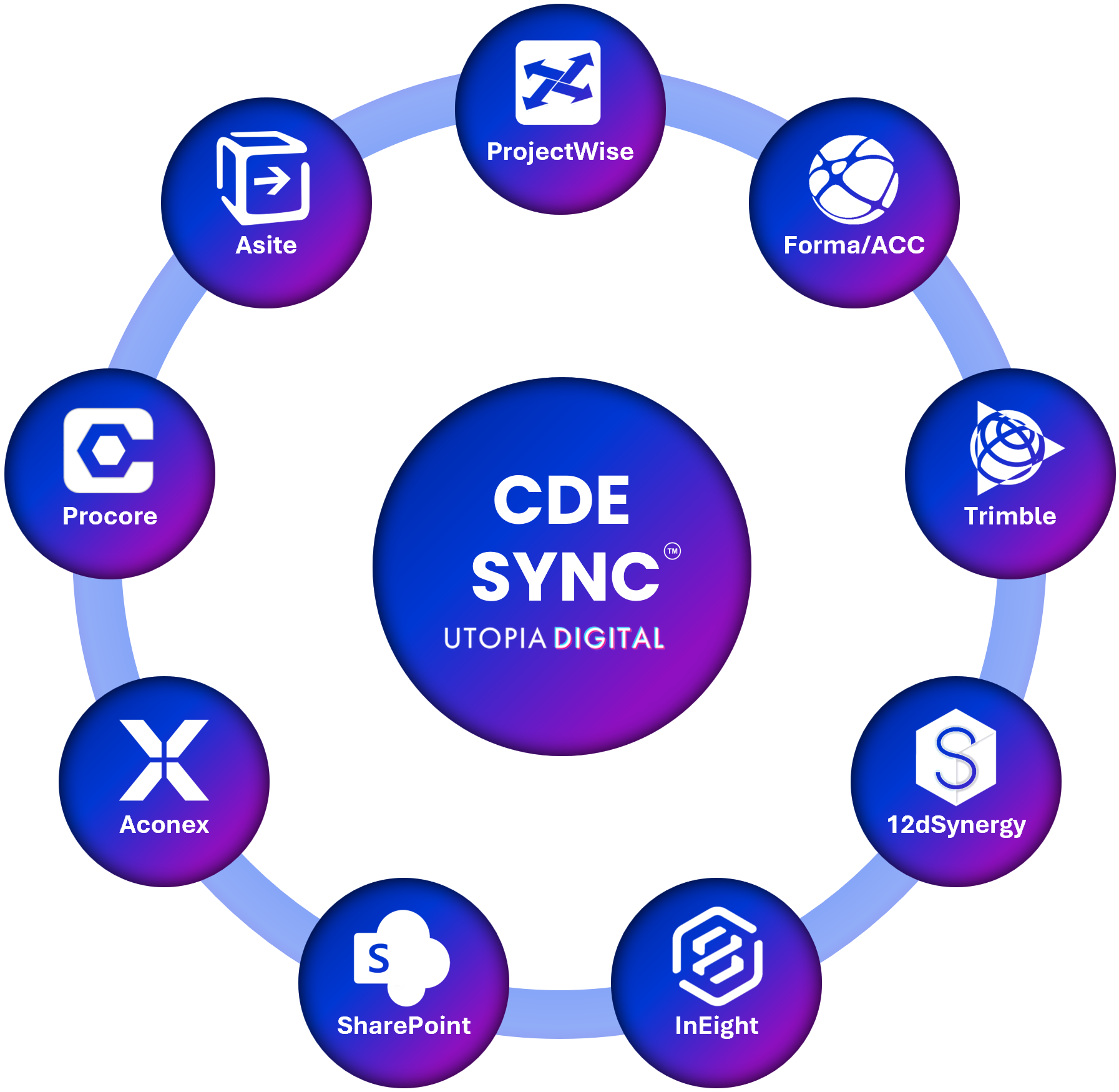
CDE Sync™ connects together all of your AECO industry CDE platforms.
CDE Sync™ automates model, document and metadata synchronisation, in 15mins - no code required.
Click above for CDE Sync™ media resources.
Overview:
Unlike the other platforms in this list, Azure Blob Storage isn't a project CDE, it's a destination. CDE Sync™ can stream a copy of your project files and metadata into Microsoft Azure Blob Storage for backup, cold storage or long-term archival, giving you an independent copy that sits outside whichever CDE you use day to day. Decommissioning a platform entirely? CDE Migrate™ can archive its final state directly into Azure Blob Storage as part of that transition.
Who it's for:
IT Security Teams, IT Teams, Information Managers and Project Managers who need an independent, encrypted archive outside their primary CDE.
What CDE Sync™ does with Azure Blob:
Streams files and metadata from any connected CDE into Azure Blob Storage for secure, encrypted storage
Supports cold storage and long-term archival for completed projects or compliance retention
Protects project data against loss, platform outages or vendor disruption
Keeps an independent copy outside your primary CDE, without duplicating your day-to-day workflow
Pairs with CDE Migrate™ when you're decommissioning a CDE and want its final state archived into Blob Storage
How it connects:
CDE Sync™ streams data into your own Azure Blob Storage account, configured through CDE Sync™'s no-code wizard. Data is encrypted in transit and at rest.
Also syncs with:
Autodesk Forma (BIM360/ACC), Bentley ProjectWise, Microsoft SharePoint, Procore, Oracle Aconex, 12d Synergy, Asite, InEight, Trimble, Bluebeam, Egnyte, Dalux, RIB, Network Servers, and Azure Blob.
Security:
Built on Microsoft Azure and hosted in your choice of data region to meet residency and sovereignty requirements, see our Global Data Regions map. SOC 2 Type II certified, full detail on our Security & Trust Portal.
SOC 2 Type II certified
Cyber Essentials certified
Zero file persistence – data streams between your network server and the target CDE, and is never stored or cached
Outbound-only connection from your network, minimising attack surface for classified and on-premises environments
Full audit logging of every file and metadata change for traceability and compliance
FAQs:
Whose Azure Blob Storage account is this?
> Your own. CDE Sync™ streams data into a storage account you control.
Is this a replacement for backing up my CDE?
> It's a complementary independent copy, useful for archival, disaster recovery and vendor-transition scenarios.
Can any of our other connected platforms send data to Azure Blob?
> Yes, any CDE connected to CDE Sync™ can be configured to archive into your Azure Blob Storage account.
Can we control which region our data is archived to?
> Yes. See our Global Data Regions map for the regions available to meet your residency requirements.
Can CDE Migrate™ archive data into Azure Blob during a platform transition?
> Yes, CDE Migrate™ can archive migrated project data directly into your Azure Blob Storage account as part of a platform transition.
Does Issues Sync™ work with Azure Blob?
> Generally no, Issues Sync™ connects CDEs that track issues, RFIs and defects. Azure Blob is a storage destination rather than a project CDE, so it isn't part of the flow, though it can still archive issues data from any CDE you use Issues Sync™ with.
— Connected CDEs —